Major site update complete

We’ve just been through a major version upgrade (actually several). Some interface options may have shifted or changed, so take a minute to get your bearings. Hopefully I can keep things updated a little more often now.

If you see anything broken or missing please let me know. Thanks!

15 Likes

Thanks Chris for all of your support and hard work on this DOW site. It is the best site of it’s kind in the world. There is nothing like it anywhere.

15 Likes

I wish I had seen this post before I logged in and out 3 times to get it to look normal. I guess old dogs don’t adapt well to change :face_with_spiral_eyes: Also what Bob said.

10 Likes

Chris I am finally back on. It took many tries of poorly remembered used passwords to accomplish.

The “Bypass Password” and “Reset Password” E-mails are not coming through even after 18? hours.

S.U.

7 Likes

Favricon in google tab is back to default. Just pointing that out.

5 Likes

Thanks Matt, fixed the favicon. Little things like that are easy to miss, keep them coming guys.

Steve, I’m looking at the emails now.

6 Likes

Steve, email is generally working. Somehow your email generated a hard bounce in December, and our mail server flags that and won’t send to it again. Has to do with spam prevention etc. I reset it, you should be able to get those emails again.

A hard bounce means an email permanently failed to deliver because the address is invalid or blocked. Not sure why yahoo would do that, but it did.

8 Likes

The website seems fine, but alas, Windows 7/Firefox is “unsupported.”

The good news is, I can’t be so wordy typing with one finger on my phone :slightly_smiling_face:.

7 Likes

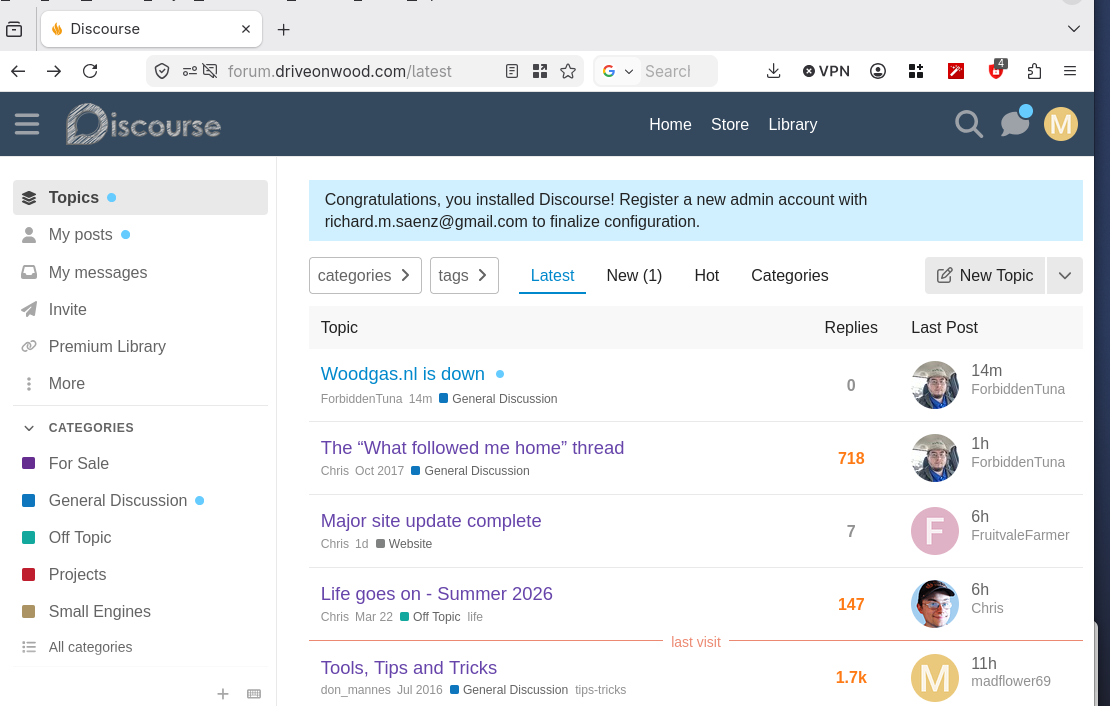
Think ya’ll missed a configuration line for ‘Topics’ and ‘my posts’ does it as well as eveything in ‘categories’

4 Likes

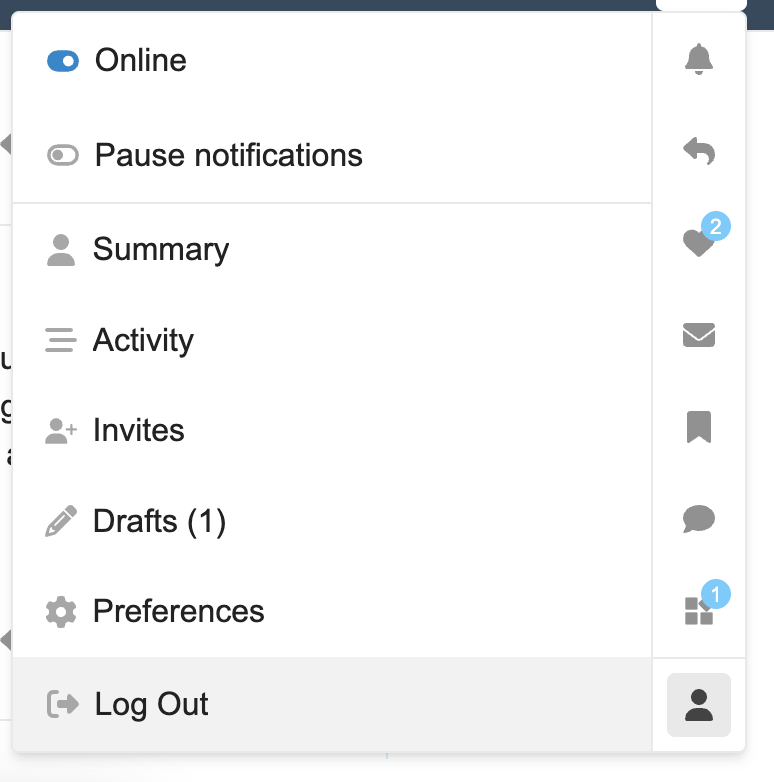
I guess I’m getting sent to the class for the learning disabled. I don’t know what the discourse thing is and I can’t figure out how to log out. I used to click the T logo for my name and log out from there but now it’s just shows a line of Earned Nice Replies. Also no clue about what a favricon is. :thinking:

5 Likes

They moved the logout link. Click the T (that’s where your picture would be if you set one up), and in that menu there’s a head and shoulder icon on the bottom right. When you mouse over it the tooltip says “profile”. Click that, the menu options will change to show Summary, Activity, Invites, Drafts, Preferences, and Log Out.

4 Likes

Yeah, that was weird. It’s fixed now. Thanks

5 Likes

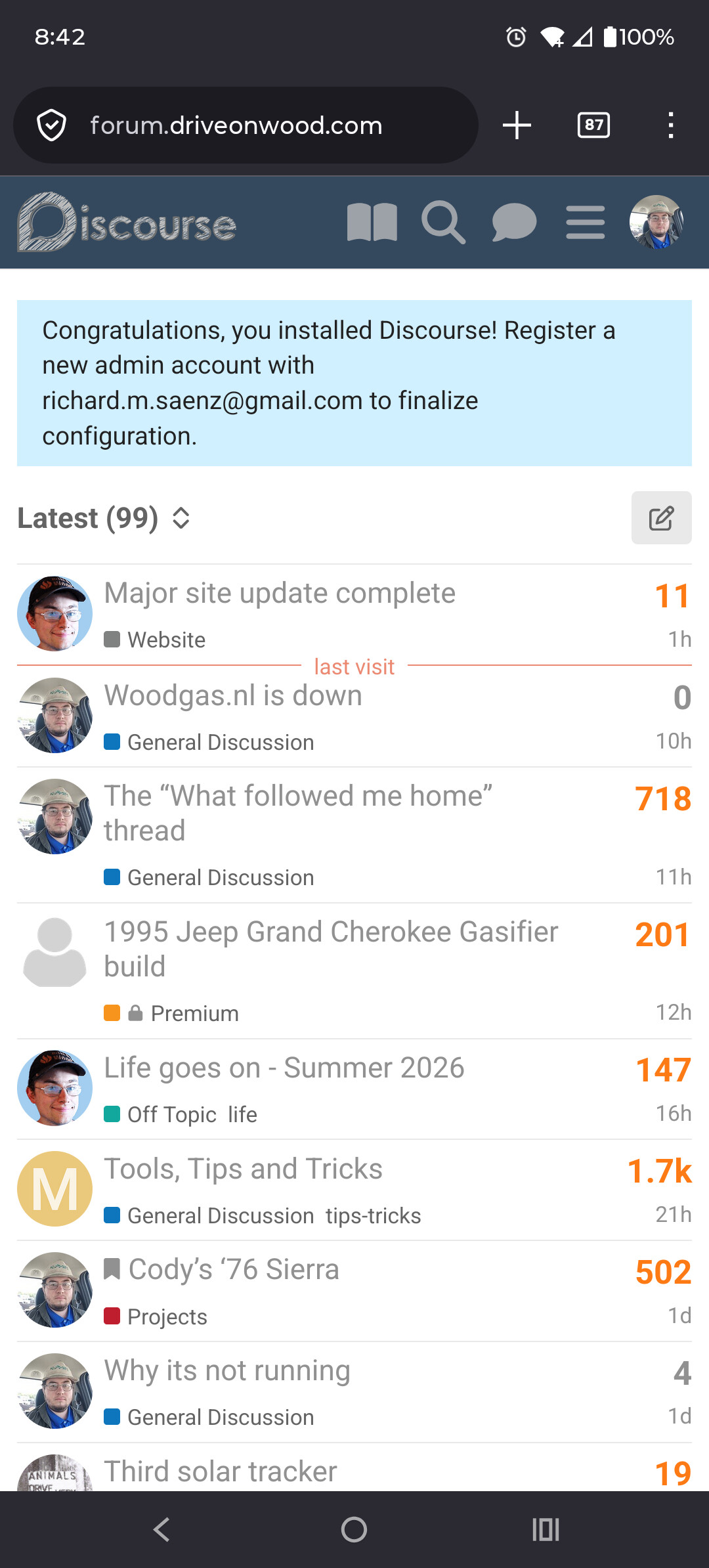
This is on mobile, maybe it doesn’t show up for anyone else?

Edit: and it’s fixed

6 Likes

Try a hard refresh. I was getting the same thing on desktop until I did an update this morning.

6 Likes

Pre-2021 photos are broken. Working on these now.

10 Likes

kent, looking pictures from the forum on the phone can be boaring for seeing details…i have also windows 7 on my old computer…not all improvements are good for all

8 Likes

Giorgio, Kent,

Yeah, I see that Discourse dropped Win7-8 support last summer. I am sorry about that. However there is a good reason.

Windows 7, 8, and 8.1 ended support in January 2023. The last supported Firefox for those is version 115, which is also on life support (current version is 150). Even extended support for that ends in August.

Windows 10 ended support in October last year, although with extended updates you can squeeze by until October this year. After support ends, you are wide open to vulnerabilities that are discovered, nobody is fixing them. It’s like driving a car that has no parts available… if anything breaks, you’re done. Some of my vehicles are getting to that age now.

If any of you guys are still using Windows 7, 8, or 8.1, you really need to move. You don’t need new hardware necessarily, you can download a Linux installer and you can run modern software on the same box. That’s what I do, I’m running all sorts of ancient hardware with no issues, on Linux.

Another easy option is a Chromebook, they’re great for lightweight browsing the web if you don’t need much else. Wayne has been using Chromebooks since they came out in 2012, and I never get support calls from him. They just work.

If you prefer to stay on Windows, you’ll probably need a new machine to get Win11 support, as most boxes can’t be upgraded from 10 to 11. That’s a money grab by Microsoft IMO, as there’s a lot of perfectly fine Win10 machines that are about to get trashed for no reason, but anyhow… That’s the reality.

If anyone needs help upgrading feel free to contact me, I’m glad to help out. I don’t want to leave anyone behind, but we can’t let the internet get into an IE6 situation again… Staying up to date is an important part of being online. Fortunately you have more options now than ever.

10 Likes

My truck picture is gone. Do I have to reinstall?

4 Likes

No, you’re fine. That was another hiccup from the transition. Several avatars broke, but they’re fixed now. I see your truck again. You may have to do a hard refresh (Shift-F5) or wait awhile, but it is back to normal.

Thanks for the bug report!

5 Likes

From what I understand while building my new PC, it’s the processor that’s blocking Windows 11, so if you’re feeling adventurous and want to change your vehicle’s engine, it might be a viable and less expensive option (take this with a grain of salt depending on your usage).

4 Likes